

Introduction: Why Free Software for Windows Still Wins in 2026
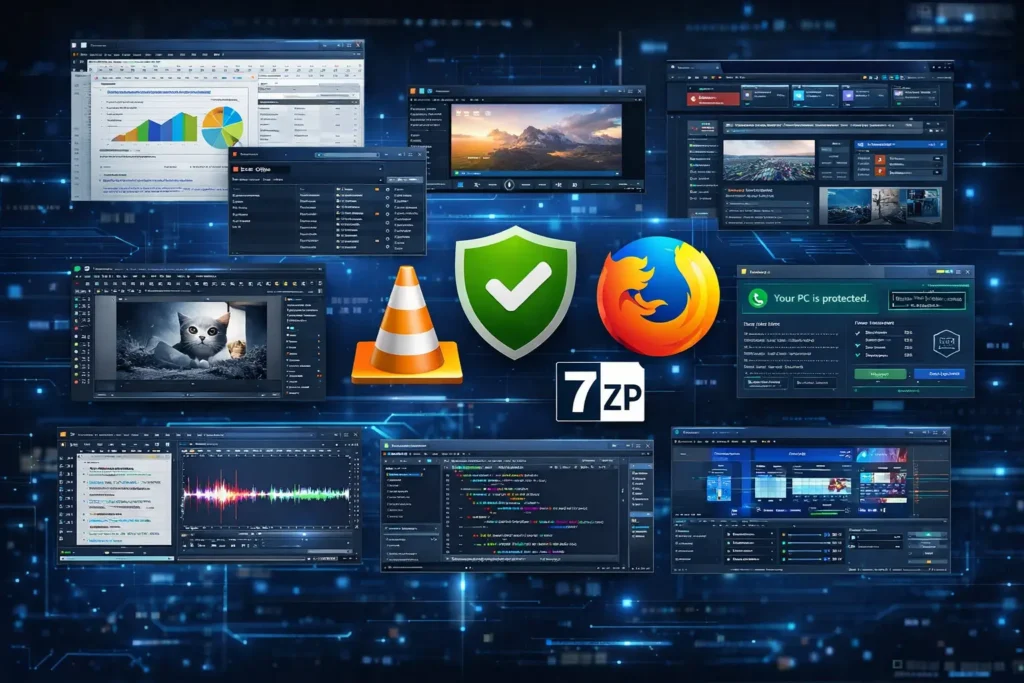
Let’s be honest — Windows PCs come loaded with a lot of potential, but not a lot of great software out of the box. Sure, you get Notepad, Paint, and the Edge browser. But if you really want your computer to perform at its best, stay secure, and handle everything from video editing to productivity, you need to go beyond the basics. The good news? You don’t have to spend a single rupee — or dollar — to make it happen. There’s a whole world of powerful free software for Windows waiting for you.
Whether you’re a student, a freelancer, a gamer, or just someone who wants a smoother, more capable PC experience, the right free software for Windows can genuinely transform how you work and play. In this post, we’ve rounded up the 10 absolute best free Windows programs that every PC should have installed — tools that are reliable, regularly updated, and loved by millions of users worldwide.
From office suites to media players, security tools to browsers — here’s everything you need, completely free of cost.
1. LibreOffice — The Best Free Office Suite for Windows
If you’ve been holding off on renewing your Microsoft Office subscription, LibreOffice is here to save the day. This open-source office suite is one of the most well-rounded free software programs for Windows available today. It comes packed with Writer (word processor), Calc (spreadsheet), Impress (presentations), Draw, Base, and Math — basically everything you’d expect from a premium office bundle.
LibreOffice handles .docx, .xlsx, and .pptx files seamlessly, which means you can collaborate with Microsoft Office users without a hitch. It’s maintained by The Document Foundation and receives regular updates. For students, teachers, and small business owners, this is hands-down the best free alternative to paid office software.
Why we love it: Full-featured, compatible with MS Office formats, completely free, and open-source.
2. VLC Media Player — Free Software That Plays Everything
There’s a reason VLC has been a staple of every Windows PC for nearly two decades. This legendary free software for Windows supports virtually every audio and video format imaginable — MP4, MKV, AVI, MOV, FLAC, MP3, and hundreds more. No need to download extra codecs, no nagging for upgrades, no bloatware.
VLC also doubles as a streaming tool and even a basic video editor. You can trim videos, add subtitles, convert file formats, and stream online content. It’s lightweight, fast, and works even on older Windows machines. If your PC doesn’t have VLC installed, it should — right now.
3. 7-Zip — The Lightweight Free Compression Tool
Dealing with .zip, .rar, or .7z files daily? Then 7-Zip is the free software for Windows you need in your corner. Unlike WinRAR — which constantly pesters you to buy the full version — 7-Zip is 100% free, forever, no strings attached. It’s open-source and comes with no ads or bloatware.
7-Zip supports over 30 compression formats and provides excellent compression ratios, especially with its native .7z format. It integrates right into your Windows Explorer context menu, making compression and extraction a one-click job. For anyone who regularly deals with large files or downloads, this is a must-have free Windows program.
4. Mozilla Firefox — A Fast, Private, Free Browser for Windows
While Edge and Chrome dominate the headlines, Firefox remains one of the most trusted and capable free software for Windows options when it comes to web browsing. It’s built with privacy at its core — no data harvesting, strong anti-tracking features, and a massive library of privacy-focused extensions.
Firefox is fast, customisable, and open-source. It syncs across all your devices, supports thousands of add-ons, and is consistently updated for security. If you’re looking for an alternative to Chrome that doesn’t gobble up your RAM and respects your data, Firefox is your friend.
5. Avast Free Antivirus — Solid Free Security Software for Windows
Your Windows PC needs protection, and Avast Free Antivirus delivers real-time security without the premium price tag. This free software for Windows consistently scores high in independent antivirus tests, offering solid malware detection, a Wi-Fi inspector, a password manager, and even a basic ransomware shield.
Yes, Avast does try to upsell you to the premium tier occasionally, but the free version alone is more than capable of keeping most threats at bay. Combined with Windows Defender, it provides a nice double-layer of protection for everyday users.
6. GIMP — Free Image Editing Software for Windows (Photoshop Alternative)
Adobe Photoshop is brilliant — but it’s also expensive. GIMP (GNU Image Manipulation Program) is the best free software for Windows if you need serious image editing capabilities without opening your wallet. It handles everything from basic photo retouching to complex digital art, layer management, and even scripting.
The learning curve is a bit steeper than Photoshop, but the power it offers is genuinely impressive for a free tool. GIMP supports PSD files, meaning you can open and edit Photoshop projects directly. It’s a favourite among graphic designers, photographers, and content creators on a budget.
7. Audacity — Free Audio Editing Software for Windows
Podcasters, musicians, and voice-over artists — meet your new best friend. Audacity is a free, open-source audio editing software for Windows that has been trusted by creators for over two decades. It records live audio, edits multi-track recordings, removes noise, adjusts levels, and exports to pretty much any audio format you can think of.
Audacity has recently had some turbulence with its ownership changes, but it remains a fully functional, free Windows program that can handle professional-grade audio tasks. For anyone producing content that involves voice or music, Audacity is indispensable.
8. Notepad++ — The Ultimate Free Text Editor for Windows
If you work with code, scripts, config files, or just need a smarter notepad, Notepad++ is the free software for Windows that developers swear by. It supports syntax highlighting for over 80 programming languages, has a powerful search-and-replace tool, supports multiple document tabs, and is blazing fast even on underpowered machines.
Unlike the built-in Windows Notepad, Notepad++ remembers your open tabs between sessions, supports macros, and is extensible with plugins. Web developers, system admins, and writers who work with raw text will instantly appreciate why this is one of the most downloaded free Windows programs of all time.
9. OBS Studio — Free Screen Recording & Streaming Software for Windows
OBS Studio is the gold standard when it comes to free software for Windows for streaming and screen recording. Whether you’re a gamer streaming on Twitch, a teacher recording tutorial videos, or a professional creating video presentations, OBS Studio gives you broadcast-quality tools completely free of charge.
You can capture multiple sources simultaneously, switch between scenes, overlay graphics, mix audio, and stream directly to YouTube, Twitch, or Facebook Live. The interface can seem intimidating at first, but once you get the hang of it, OBS Studio is an incredibly powerful free Windows application that content creators rely on every single day.
10. CCleaner Free — System Optimisation Free Software for Windows
Over time, every Windows PC accumulates junk — temporary files, leftover registry entries, browser cache, and more. CCleaner Free is one of the most popular free software tools for Windows for keeping your system clean and running smoothly. It clears out digital clutter, manages startup programs, and helps you uninstall software cleanly.
The free version has everything most users need. Regular cleaning with CCleaner can noticeably speed up boot times and free up gigabytes of wasted space. Just be mindful during installation — like many free tools, it may try to bundle extra software, so always choose the custom install option and deselect anything you don’t need.
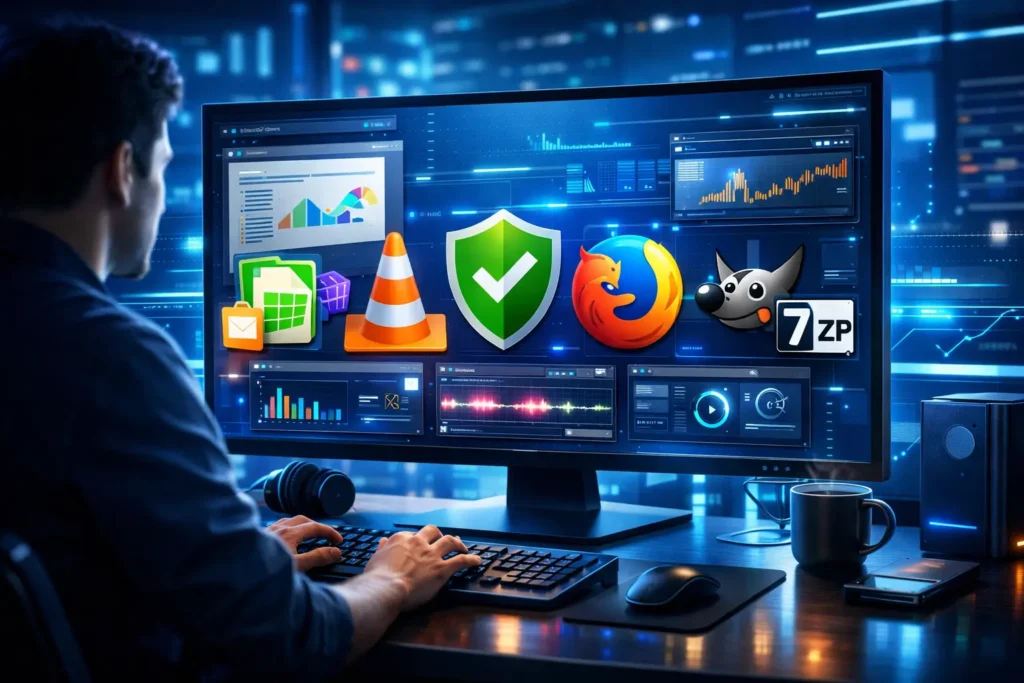
Quick Reference: 10 Best Free Software for Windows at a Glance
| # | Software | Category | Best For |
| 1 | LibreOffice | Office Suite | Documents, Spreadsheets, Presentations |
| 2 | VLC Media Player | Media Player | Playing all video/audio formats |
| 3 | 7-Zip | File Compression | Zipping and unzipping files |
| 4 | Mozilla Firefox | Web Browser | Private, fast browsing |
| 5 | Avast Free Antivirus | Security | Real-time malware protection |
| 6 | GIMP | Image Editing | Photo editing & digital art |
| 7 | Audacity | Audio Editing | Recording & editing audio |
| 8 | Notepad++ | Text Editor | Coding & editing text files |
| 9 | OBS Studio | Streaming/Recording | Screen recording & live streams |
| 10 | CCleaner Free | System Optimisation | Cleaning & speeding up PC |
Tips for Getting the Most from Free Software on Windows
Using free software for Windows is a smart move, but getting the most out of it takes a little know-how. Here are some practical tips to help you build a strong, free software toolkit on your PC:
- Always download from official sources: Free software can be bundled with adware or malware when downloaded from shady sites. Always go directly to the official website — vlc.videolan.org, libreoffice.org, gimp.org, etc.
- Keep your free software updated: Even free programs need to be updated regularly to patch security vulnerabilities and access new features. Most apps have an auto-update option — turn it on.
- Don’t overload your PC: Just because software is free doesn’t mean you should install everything. Choose the tools you actually need and keep your system lean.
- Check reviews before installing: Before adding any new free Windows program to your system, check user reviews and ratings on trusted sites like Softpedia or SourceForge.
- Use portable versions when available: Many free software programs for Windows offer portable versions — no installation required, just run the .exe directly from a USB drive or folder.
Read More Article
Best AI Writing Tools for Bloggers (Free & Paid) — The Complete 2026 Guide
What Is Artificial Intelligence? A Beginner’s Guide (2026)
Frequently Asked Questions (FAQs) About Free Software for Windows
Is free software for Windows safe to use?
Yes — as long as you download from official sources. The free software listed in this post (LibreOffice, VLC, Firefox, etc.) are trusted by millions and maintained by reputable organisations or open-source communities. Always scan downloaded files with your antivirus and avoid third-party download sites.
Can free software for Windows replace paid software?
In most cases, absolutely yes. For general users, LibreOffice replaces Microsoft Office, GIMP replaces Photoshop, and VLC handles media better than most paid players. There are some professional scenarios — like advanced video editing or enterprise-grade security — where paid tools may offer additional features, but for everyday use, free software for Windows covers nearly everything.
Are open-source and free software the same thing?
Not always. Open-source software means the source code is publicly available (e.g., LibreOffice, VLC, GIMP). Free software means it costs nothing to use. Many open-source tools are also free software for Windows, but some paid apps have open-source components, and some freeware is not open-source.
Will free software slow down my Windows PC?
Not if you choose lightweight, well-optimised tools like the ones on this list. VLC and Notepad++ are famously light on system resources. CCleaner and 7-Zip also have tiny footprints. Avoid free software loaded with adware or unnecessary background services, as those can impact performance.
Which free software for Windows is best for students?
For students, LibreOffice is essential for documents and presentations. Mozilla Firefox is great for safe, ad-free browsing. Audacity helps record lectures or create content. Notepad++ is excellent for computer science students who code. All of these are completely free Windows programs with no usage limits.
Is there a free antivirus for Windows that actually works?
Yes! Windows Defender, which comes built into Windows 10 and 11, is surprisingly effective for basic protection. For an extra layer of security, Avast Free Antivirus is a strong and widely trusted free software for Windows that offers real-time scanning, Wi-Fi protection, and more at no cost.
Can I use free software for Windows for commercial purposes?
It depends on the licence. Most open-source tools like LibreOffice and GIMP are fine for commercial use under open-source licences (GPL, LGPL, etc.). Always check the licence agreement of any free software before using it commercially. Most tools on this list are explicitly permitted for business and commercial use.
What is the best free software for Windows to improve productivity?
LibreOffice for office work, Notepad++ for text and coding tasks, Firefox for fast and private browsing, and 7-Zip for managing file archives are the top productivity-boosting free software for Windows programs. Together, these four tools cover most everyday computing tasks at no cost.
Final Thoughts: Build Your Ideal PC Setup with Free Software for Windows
There really has never been a better time to build a fully capable Windows PC setup without spending anything on software. The 10 free software for Windows tools we’ve covered in this post — from LibreOffice and VLC to OBS Studio and Notepad++ — collectively cover everything from office productivity and media playback to security, file management, and content creation.
None of these is a watered-down trial version or ad-riddled demos. They are proper, full-featured applications trusted by hundreds of millions of users globally. The open-source community and independent developers behind these projects have done extraordinary work to provide everyone with access to professional-grade tools, free of charge.
Our recommendation? Start by installing LibreOffice, VLC, 7-Zip, and Firefox — those four alone will handle the lion’s share of your daily computing needs. Then pick and choose from the rest based on what you actually do on your PC. Add GIMP if you edit images, Audacity if you work with audio, OBS Studio if you create video content, and so on.
The best free software for Windows isn’t just free in price — it’s free in freedom. Freedom to use, share, and adapt. Take advantage of it, and your Windows PC will be more powerful than ever. Happy computing!