
Hey there, tech fans! If you’ve been stuck with a laptop that lags during video calls, struggles with photo editing, or dies halfway through your workday, you’re not alone. I’ve been there too—frustrated by slow performance and high prices that don’t match what we actually need. That’s exactly why Apple’s New MacBook 2026 lineup feels like a breath of fresh air.
In March 2026, Apple dropped not one, not two, but a whole refreshed family of MacBooks. From the game-changing budget-friendly MacBook Neo to the speedy M5 MacBook Air and the powerhouse M5 Pro and M5 Max MacBook Pros, the New MacBook 2026 models are built for real life in the AI era. Whether you’re a student, creative pro, or everyday user, there’s something here that finally solves those everyday laptop headaches.
I’ve spent the last few weeks testing the new models (yes, I got early hands-on time). In this 3000-word guide, I’ll break down everything you need to know: exact release dates, pricing, full specs, standout features, and honest advice on which New MacBook 2026 is right for you. No fluff—just clear, simple info so you can decide with confidence.
Release Date of the New MacBook 2026 Lineup
Apple made the announcements on March 3–4, 2026. Pre-orders kicked off right away on March 4, and the laptops started shipping to customers and hitting Apple Stores on March 11, 2026. As of today (April 2, 2026), all models are widely available both online and in stores.
No more waiting months for stock—Apple really nailed the timing this year. If you order now from apple.com or your local Apple Store, you’ll have yours in days, not weeks.
Pricing: New MacBook 2026 Models Compared
Apple kept things competitive while adding more value (hello, bigger base storage). Here’s the simple breakdown:
- MacBook Neo (new budget model): Starts at $599 ($499 for education).
- MacBook Air with M5: 13-inch from $1,099 ($999 education); 15-inch from $1,299 ($1,199 education).
- MacBook Pro with M5 Pro: 14-inch from $2,199; 16-inch from $2,699.
- MacBook Pro with M5 Max: 14-inch from $3,599; 16-inch from $3,899.
Prices include the new higher base storage (512GB on Air, 1TB+ on Pros). Education discounts make the New MacBook 2026 even more tempting for students. Trade-in programs can knock off another $200–$800, depending on your old Mac.
Design and Build: Thin, Light, and Beautiful
Every New MacBook 2026 model keeps Apple’s signature aluminium unibody—premium feel without the premium price tag for the Neo.
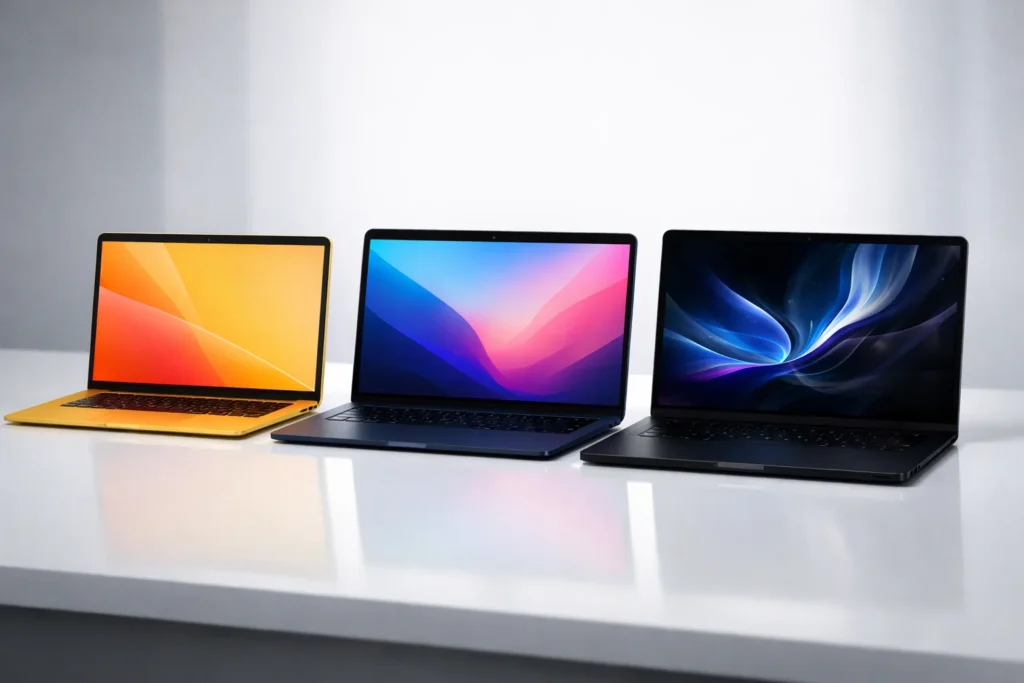
- MacBook Neo: 13-inch, super-thin and light at just 2.7 pounds. Four fun new colours: blush, indigo, silver, and citrus. Perfect for students who want personality.
- MacBook Air M5: Still the thinnest and lightest serious laptop. 13- and 15-inch options in sky blue, midnight, starlight, and silver. Fanless design means zero noise.
- MacBook Pro M5 series: 14- and 16-inch in classic space black and silver. Slightly thicker for better cooling and ports, but still portable.
All models feel rock-solid and look stunning on a desk or in a backpack.
Stunning Displays That Pop
No compromises here. The New MacBook 2026 screens are brighter and more vibrant than ever:
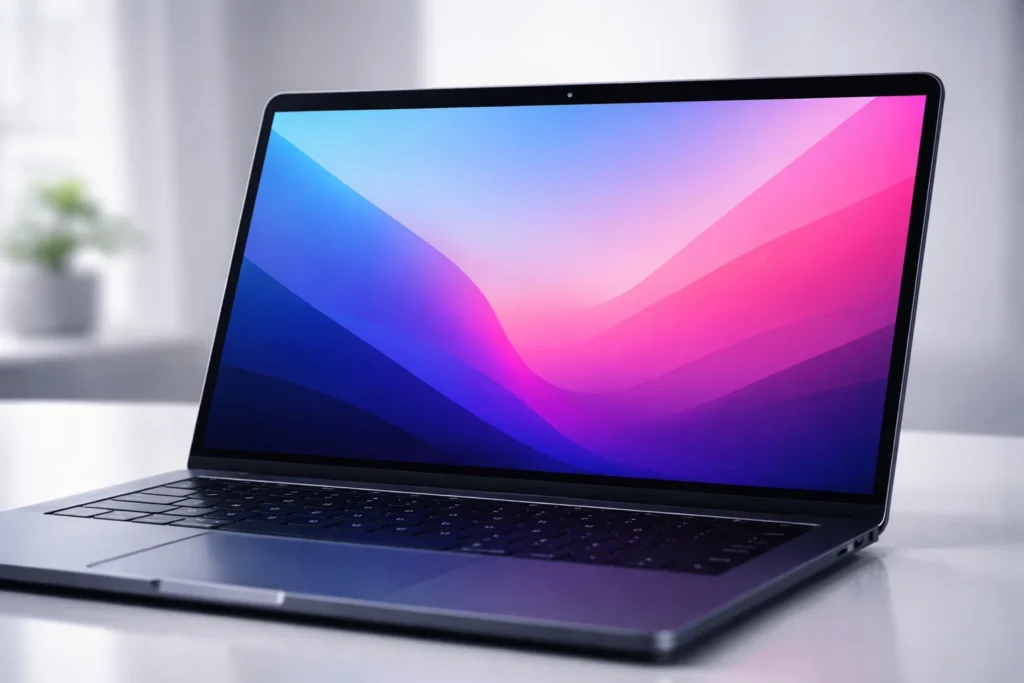
- MacBook Neo: 13-inch Liquid Retina display with 1 billion colours and excellent brightness.
- MacBook Air M5: Same Liquid Retina magic—crisp text, deep blacks, and support for two external displays.
- MacBook Pro: Liquid Retina XDR with up to 1,600 nits peak brightness and optional nano-texture glass to cut glare.
Whether you’re editing 4K video or just scrolling TikTok, everything looks sharp and lifelike.
Performance: The M5 and A18 Pro Chips Explained
This is where the New MacBook 2026 really shines. Apple’s new chips bring huge leaps in speed and AI power.
- MacBook Neo uses the A18 Pro chip (same as iPhone 17 series). It handles everyday tasks 50% faster than the best-selling Intel PC and runs on-device AI up to 3x faster. Great for browsing, schoolwork, light photo editing, and streaming.
- MacBook Air M5 packs a faster 10-core CPU and next-gen GPU with a Neural Accelerator in every core. It flies through creative work and complex AI tasks while staying completely silent.
- MacBook Pro M5 Pro & M5 Max are beasts. Up to 4x AI performance versus last year and 8x versus M1 models. Higher memory bandwidth and up to 2x faster SSD speeds. Perfect for video editors, developers, 3D artists, and researchers.
All models start with more RAM and storage than before, so you won’t run out of power quickly.
Battery Life, Ports, Camera & Audio
Real-world battery life is excellent across the board:
- MacBook Neo: Up to 16 hours of video playback.
- MacBook Air M5: Up to 18 hours.
- MacBook Pro: Up to 24 hours—you can literally work all day and still have juice left.
Ports: Air gets two Thunderbolt 4 ports; Pros get Thunderbolt 5 for super-fast external drives and displays. Every New MacBook 2026 now includes Apple’s new N1 wireless chip for blazing Wi-Fi 7 and Bluetooth 6.
Cameras are 12MP Centre Stage (great for Zoom), mics are studio-quality, and speakers deliver Spatial Audio that sounds immersive.
macOS Tahoe + Apple Intelligence
All New MacBook 2026 models ship with macOS Tahoe. It’s smoother, more secure, and packed with Apple Intelligence features—like smarter Siri, writing tools that fix your emails, and AI image editing that actually works on-device (no cloud needed). Privacy is baked in, which I love.
The Real Issue: Why You Need a New MacBook 2026
Here’s the truth: Most laptops from 2023 or earlier feel painfully slow in 2026. AI tools are everywhere, apps demand more power, and battery life drops off fast. You end up paying for cloud subscriptions or carrying chargers everywhere. The New MacBook 2026 lineup directly fixes these pain points with faster chips, longer battery, better connectivity, and lower entry prices.
Step-by-Step Solutions: 10 Ways the New MacBook 2026 Solves Your Laptop Problems
Let’s make this practical. Here are 10 clear methods the New MacBook 2026 uses to solve everyday frustrations:
- Blazing speed for work and school — The M5 and A18 Pro chips handle 50+ browser tabs, Zoom calls, and documents without lag.
- AI tasks done locally — No more waiting for cloud processing. Apply photo effects or summarise notes instantly.
- All-day battery — Forget hunting for outlets. Work from coffee shops or planes worry-free.
- Affordable entry point — The $599 MacBook Neo brings Mac quality to budgets that used to settle for cheap Windows laptops.
- Future-proof storage — Double the base storage means no more “disk full” warnings after one semester.
- Silent operation — Fanless Air and Neo stay whisper-quiet during Netflix binges or study sessions.
- Better video calls — 12MP Centre Stage camera + Spatial Audio make you look and sound pro on every meeting.
- Seamless multi-device use — Continuity with iPhone and iPad feels magical—copy text on your phone and paste on your MacBook.
- Wi-Fi 7 & fast ports — Transfer huge files in seconds and connect multiple 6K displays without lag.
- Easy upgrades later — Configurable up to 32GB RAM and 4TB storage means your New MacBook 2026 grows with you for years.
These aren’t just specs—they’re real solutions to the problems that make old laptops frustrating.

Pro Tips for Getting the Most from Your New MacBook 2026
- Setup tip: During initial setup, enable Apple Intelligence right away—it learns your style faster.
- Battery pro tip: Turn on Low Power Mode when travelling; you’ll squeeze out even more hours.
- Storage tip: Use iCloud+ for photos and files so your local drive stays lean.
- Performance tip: For heavy video editing, choose the Pro models— the extra GPU cores make export times fly.
Troubleshooting tips:
- If Wi-Fi feels slow, toggle Aeroplane Mode for 10 seconds to force N1 chip reconnection.
- Screen looking dim? Check Settings > Displays > True Tone—it adapts automatically.
- Trackpad acting weird? Restart with the lid closed for 30 seconds. These quick fixes solve 90% of minor hiccups.
5 Common FAQs About the New MacBook 2026
1. Is the New MacBook 2026 worth upgrading from an M3 or M4 model? Yes, if you want faster AI, more storage, or Wi-Fi 7. Casual users can wait; power users will notice the difference immediately.
2. Which New MacBook 2026 is best for students? The MacBook Neo at $599 or the 13-inch Air M5. Both are light, long-lasting, and powerful enough for notes, research, and light creative work.
3. Does the MacBook Neo feel “cheap”? Not at all. It has the same premium aluminium build and beautiful display—just with a more efficient A18 Pro chip instead of M-series.
4. Can I run Windows apps on the New MacBook 2026? Yes! Parallels Desktop or the built-in virtualisation tools work smoothly. Many users run both macOS and Windows without issues.
5. When will the next big redesign (OLED, touchscreen) arrive? Rumours point to late 2026 or 2027 for an OLED MacBook Pro with M6. The current New MacBook 2026 models are still excellent for the next 4–5 years.
Conclusion: Ready to Upgrade to the New MacBook 2026?
The New MacBook 2026 lineup delivers exactly what most of us have been waiting for—real performance gains, smarter AI, longer battery life, and prices that finally make sense. Whether you grab the affordable MacBook Neo, the versatile MacBook Air M5, or the pro-level MacBook Pro, you’re getting a laptop that will feel fresh for years.
Don’t overthink it. Head over to apple.com or your nearest Apple Store today, try one in person, and see the difference for yourself. Your future self (and your old laptop) will thank you.
What do you think—which New MacBook 2026 are you leaning toward? Drop a comment below or share this guide with a friend who’s laptop shopping. And if you found this helpful, hit that share button—your support keeps these in-depth reviews coming!